The “My Family Will Figure It Out” Plan vs an Actual Digital Estate Plan
June 14, 2026
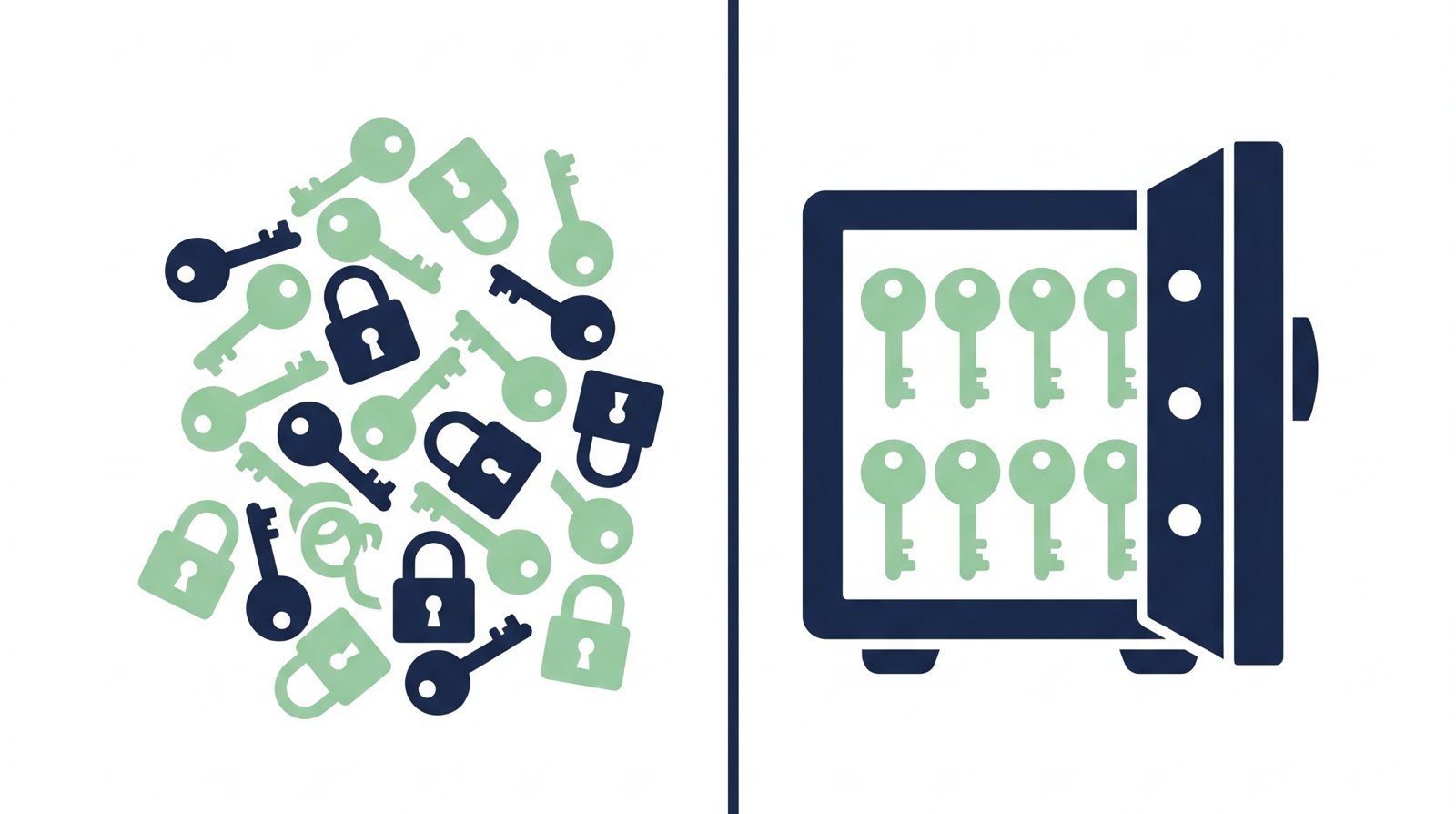
Ask most people what their digital estate plan is, and the honest answer is some version of "my family will figure it out." It's not a bad plan because people don't care. It's a bad plan because "figuring it out" is a lot more work, and a lot slower, than anyone expects.
What "figuring it out" actually looks like
In practice, it means someone sitting down with a stack of old statements, old emails, and a phone, trying to reconstruct a list of accounts that took you years to accumulate and that you never wrote down anywhere. They start with your email, because email is the recovery method for almost everything else, and if they can't get into that, the list gets a lot shorter and a lot slower. Each bank or provider has its own process for a request like this, and most of those processes measure in weeks, not days.
None of this is a story about disaster. It's just friction, multiplied across dozens of accounts, at a time when the people doing it have a lot else going on.
A simple digital estate planning checklist
You don't need a lawyer or a spreadsheet template to start. Most of this fits on one page:
- Primary email and its recovery method. This is the master key. If one entry on this list matters most, it's this one
- Banking and financial accounts. Which banks, which broker, and roughly what's where
- Password manager master password. If everything else is in there, this one entry unlocks the rest
- Crypto wallets and seed phrases. There's no customer support line for a lost wallet, so this needs its own careful handling
- Insurance policies. Life, health, home, anything with a claims process someone might need to start
- Subscriptions worth cancelling. The ones that will keep charging a card for months if nobody notices
- A short note of instructions. Not legal language, just plain context: what this is, who should get what, anything you'd want them to know
Not sure how exposed your own accounts already are? The free Lockout Risk Calculator is a 60-second quiz that scores it for you.
What 15 minutes of setup buys you
Writing the list above is most of the work, and it takes about as long as setting up a new phone. The remaining question is where it lives. A document on a shared drive or in a desk drawer works until it doesn't: it can go stale, get lost, or sit somewhere only you know about.
The other option is a service built for exactly this: an encrypted vault that nobody, including the service itself, can read while you're actively using it, paired with a simple check-in (one click, on a schedule you choose) that confirms you're still around. If you stop checking in, it tries to reach you first, then delivers the vault to the people you've chosen, automatically. That's the entire mechanism behind a dead man's switch, and it's what Notenz is built around.
Where to start
Start with the list, not the tool. Spend 15 minutes writing down the seven items above, even in a plain text file. That alone puts you ahead of most people. If you'd like that list to live somewhere encrypted, with a check-in that makes sure it actually reaches the right people when it matters, setting up a free Notenz vault takes about as long as writing the list itself.
If you use 1Password or Bitwarden, see how their Emergency Access and Emergency Access features compare. If Google, Apple, or Facebook accounts are part of your setup, see how Google's Inactive Account Manager, Apple's Legacy Contact, and Facebook's legacy contact stack up.
If you use LastPass, see how its Emergency Access feature compares. And if you're weighing a paid all-in-one estate planning tool, see how Notenz stacks up against Everplans.
Related Articles
-
Why we retired the free plan
Jul 23, 2026
-
How to Add Notenz to Your Home Screen (iOS and Android)
Jul 2, 2026
-
Digital Legacy Planning: A Practical Guide for Financial Advisors
Jun 28, 2026