Notenz vs Apple Legacy Contact: What Apple's Digital Legacy Program Leaves Out
June 14, 2026
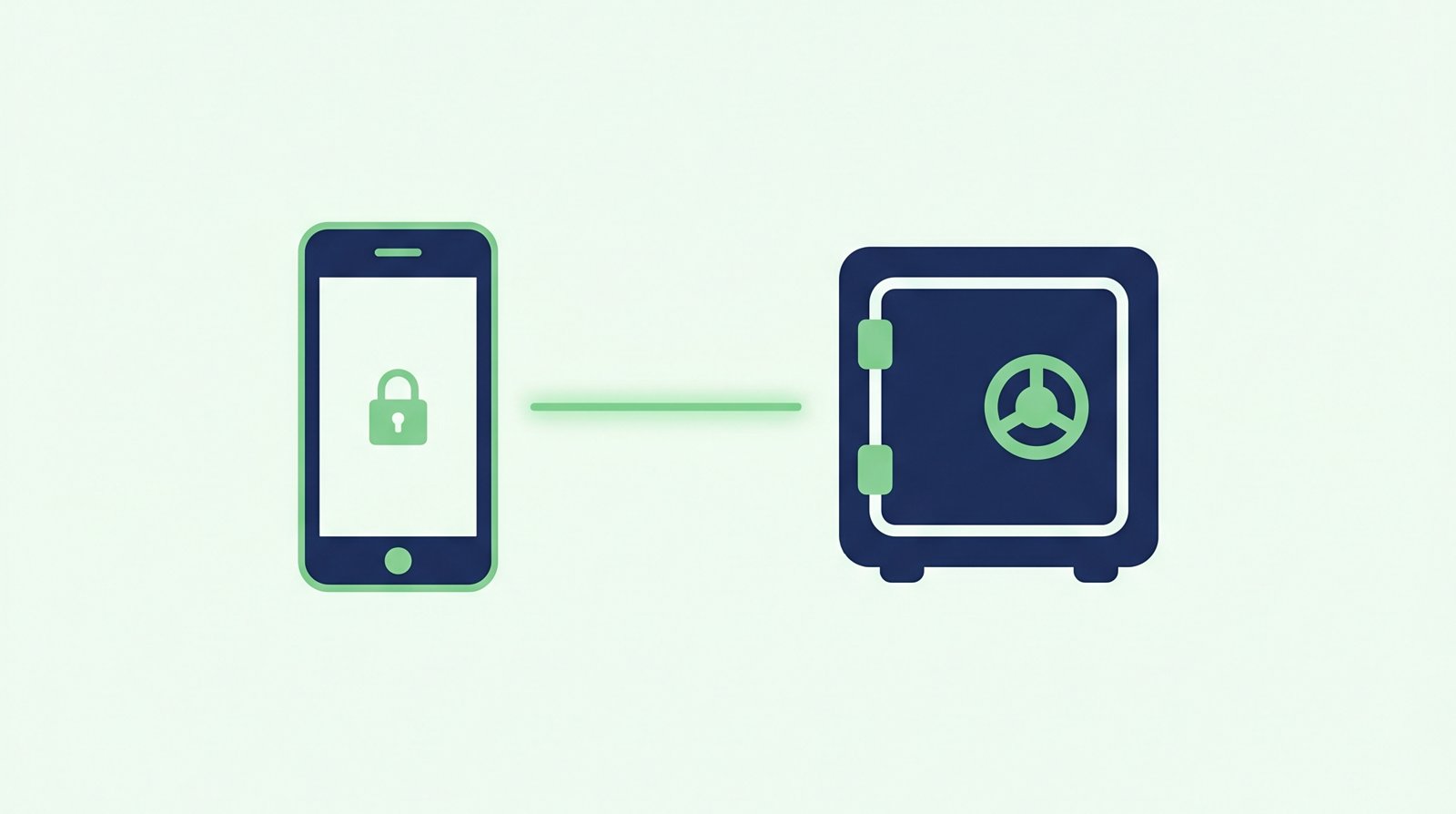
Apple's Legacy Contact feature, part of its Digital Legacy program, is one of the more thoughtful built-in tools for this problem. It's free, it's built into every iPhone, and if you set it up today it takes about two minutes. It's also designed around a process that's slower and narrower than most people expect.
How Apple's Legacy Contact works
In Settings, under Password & Security, you can add up to five Legacy Contacts. Each one gets an access key, a code you print or share with them in advance. If you're no longer around, that person submits a copy of a death certificate along with the access key to Apple. Once Apple reviews and approves the request, your Legacy Contact gets access to most of your iCloud data, photos, videos, notes, mail, contacts, calendar, files, and device backups, for up to three years before it's deleted.
What it does well
- It's free and already built into every iPhone and iCloud account
- It gives an actual legal pathway for an estate executor to request access
- It covers a genuinely wide range of personal content, photos, notes, files, and more
Where it falls short
It requires a death certificate. That's a formal process that takes time to obtain, and it assumes your Legacy Contact knows this feature exists and knows to start that process in the first place. There's no automated detection here at all.
The access key has to be set up and shared in advance. If it's lost, or if your Legacy Contact can't find it when they need it, there's no recovery path.
Passwords, payment methods, and purchased media are excluded. Your Keychain (saved passwords), payment details, and anything bought through the App Store or iTunes are explicitly left out, which is often exactly the information people need most.
Access doesn't last forever. Once granted, the data is deleted after three years. It's a window, not a permanent handoff.
How Notenz fits around it
Legacy Contact and Notenz cover different layers, and they work well together:
- Automated detection. Notenz's check-ins notice when something's wrong on their own, no death certificate or paperwork needed to get started
- The Apple ID password itself. Guardian's Recovery Vault is a zero-knowledge encrypted note, a good place to store your Apple ID and Keychain master password, exactly what Legacy Contact leaves out
- Coverage beyond iCloud. Bank accounts, crypto wallets, insurance documents, and every other login go in one encrypted vault
- Instructions, not just files. Your recipients get a written note explaining what this is and what to do with it
The honest recommendation
Set up Legacy Contact today. It's free, it takes two minutes, and there's no reason not to. Just go in knowing its limits: it's gated behind paperwork, it has no automated detection, and it explicitly skips passwords and payment info. Use Notenz for the layer that notices when something's wrong and covers everything Apple's Digital Legacy program leaves out.
Apple isn't the only platform with a built-in safety net worth understanding. See how Google's Inactive Account Manager compares, or check our digital estate planning checklist for everything else worth writing down.
Related Articles
-
Why we retired the free plan
Jul 23, 2026
-
How to Add Notenz to Your Home Screen (iOS and Android)
Jul 2, 2026
-
Digital Legacy Planning: A Practical Guide for Financial Advisors
Jun 28, 2026