How to Use Notenz: The 5-Minute Setup (Golden Path)
June 13, 2026
Notenz is built so the whole setup takes about five minutes, then runs quietly in the background. This is the "golden path" — the shortest route from signing up to having a working safety net for your family. No step here requires more than a couple of clicks.
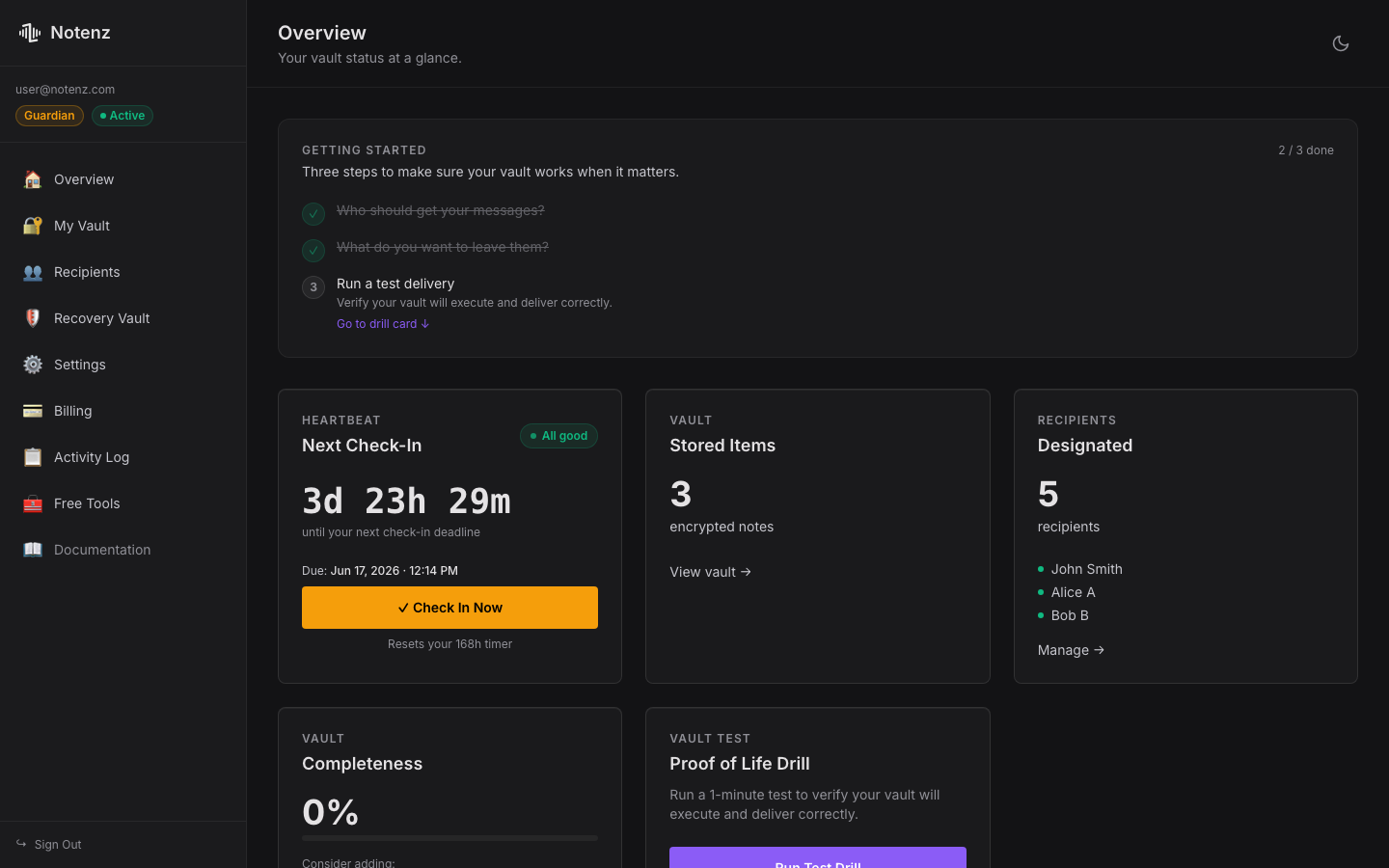
1. Create your free account
Sign up with your email — no credit card needed for the Free plan. You'll land straight on your dashboard, which shows your check-in status at the top.
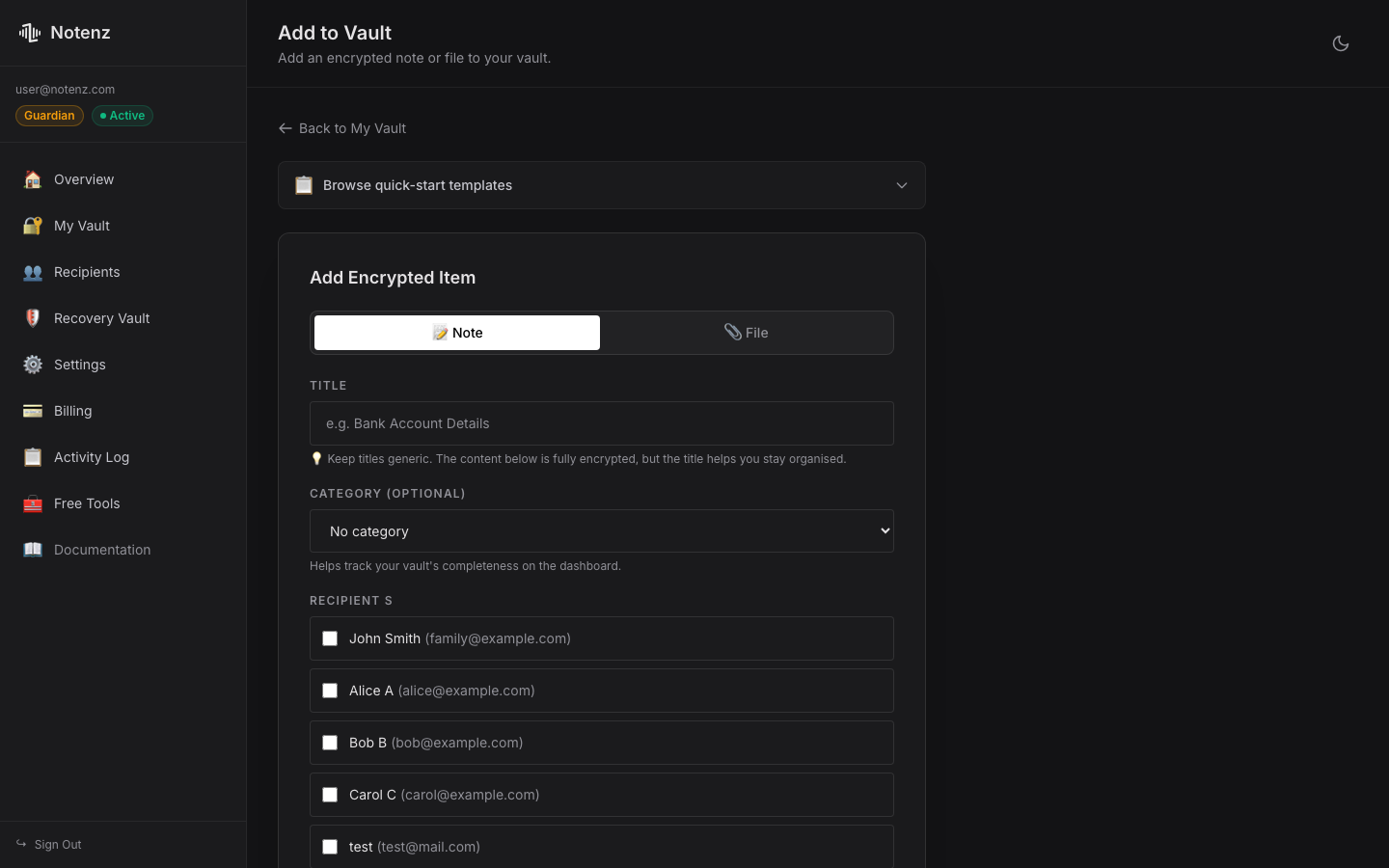
2. Add your first vault item
Click "Add Item" and write down the first thing your family would need to find — an account location, an instruction, a password, or a personal message. Everything you write is encrypted before it's stored. You can pick from a few quick-start templates (Bank & Finance, Important Logins, Final Wishes) to get started faster.
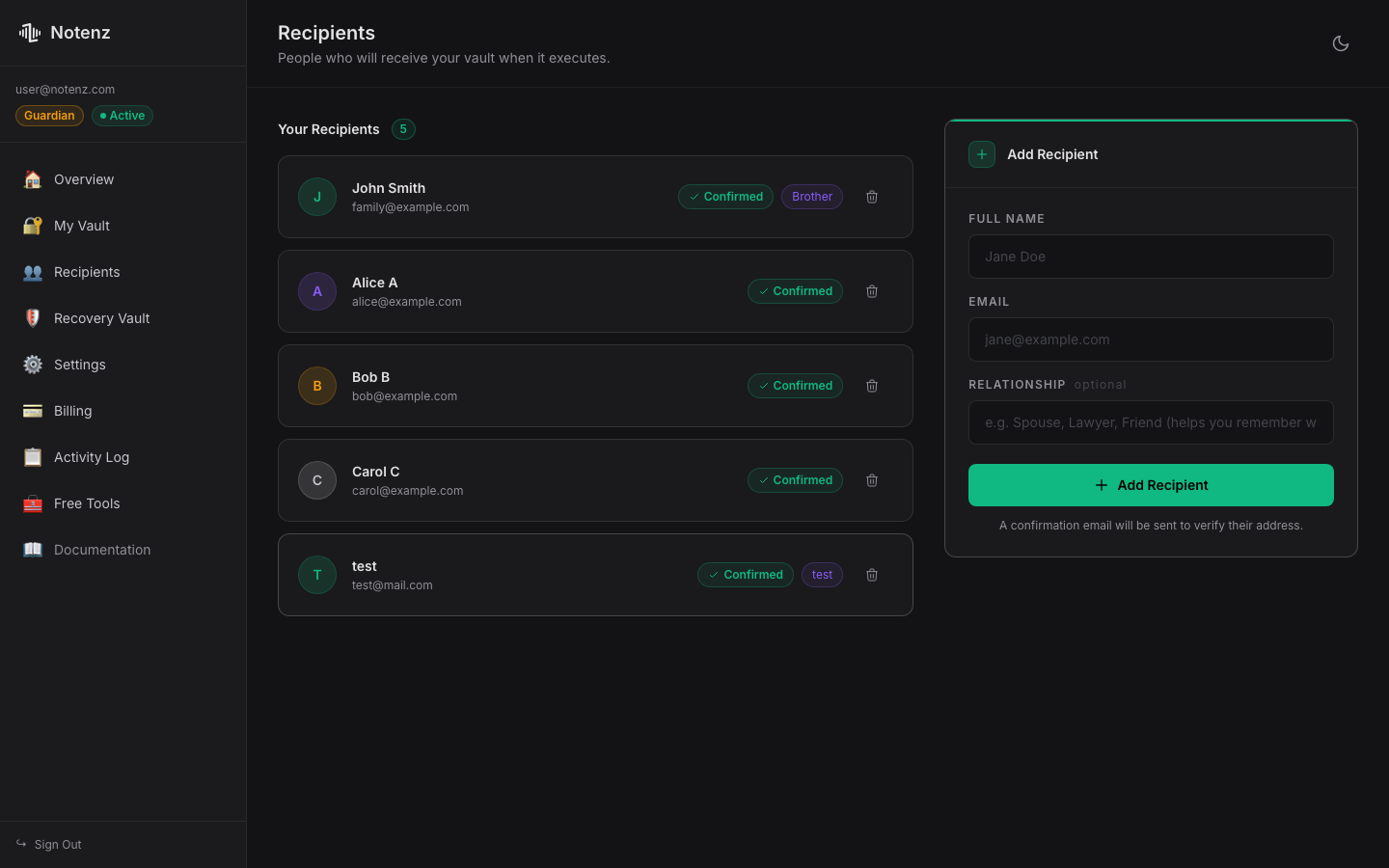
3. Add a recipient
This is the person who'll receive your vault if you ever stop checking in — a partner, sibling, or close friend. Add their name and email. They'll get a one-time confirmation email so they know they've been added (and so the address is verified before it's ever relied on).
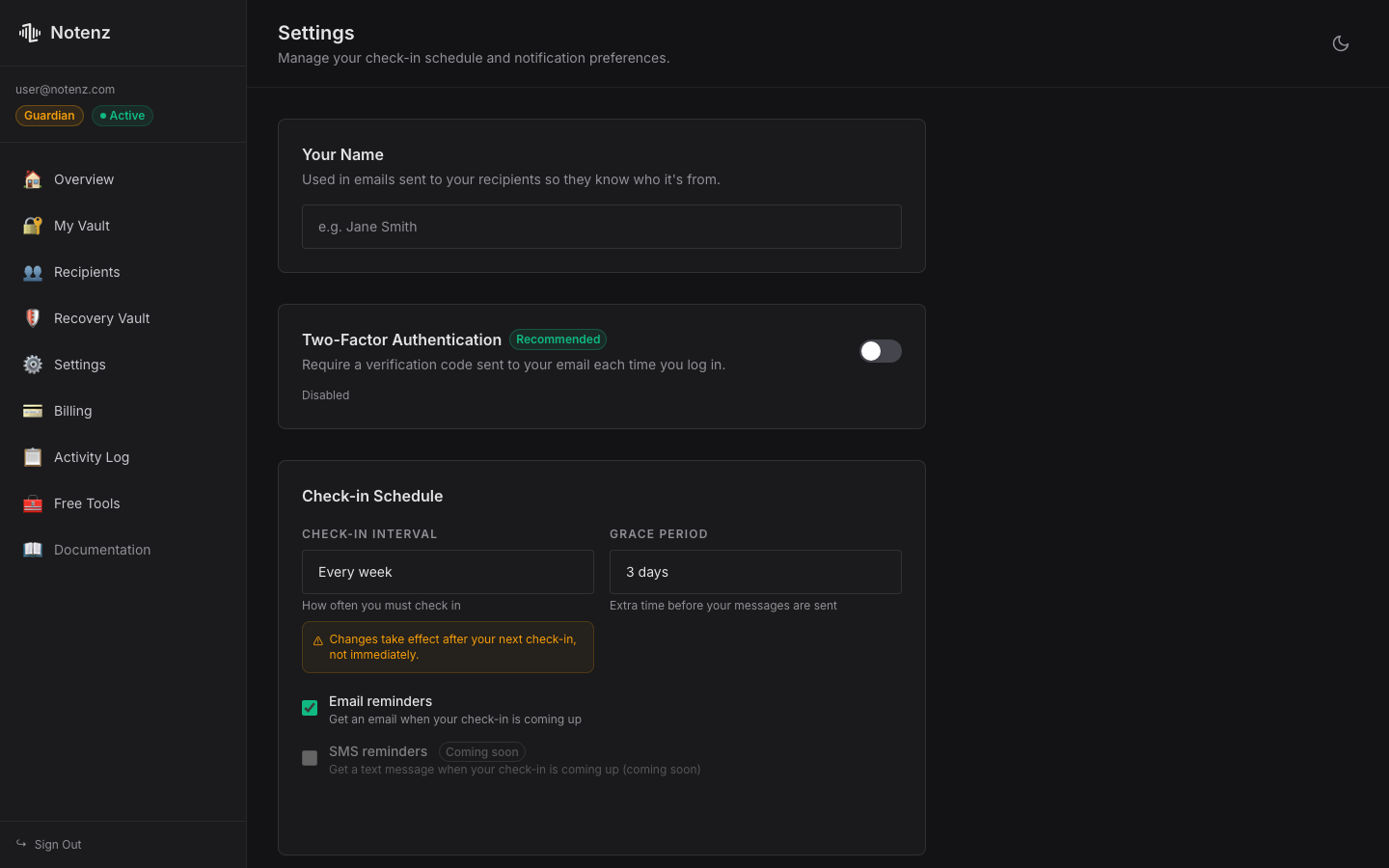
4. Set your check-in interval
In Settings, choose how often you want to check in — weekly is the default and works well for most people. This is also where the grace period lives: if you miss a check-in, Notenz won't act immediately. It waits, and tries to reach you by email, SMS, and other channels before doing anything else.
5. Check in (the easy part)
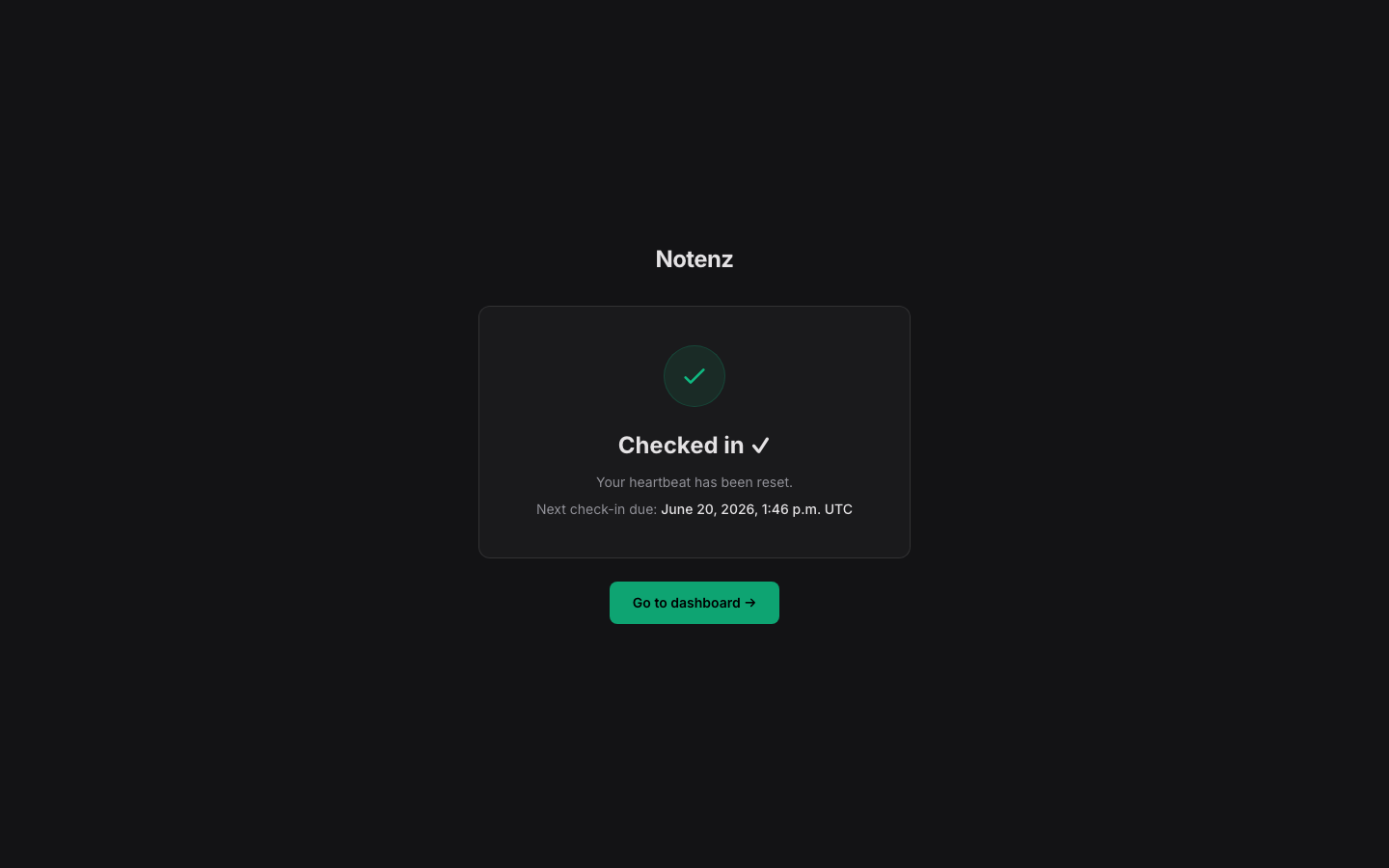
Each check-in is one click from a link in your reminder email — no login required. That's the entire ongoing commitment. Everything else just sits there, encrypted and untouched, until it's needed.
That's it
Account, first vault item, one recipient, a check-in interval. That's the whole golden path — everything else (file uploads, multiple recipients, staged delivery, the zero-knowledge Recovery Vault) is there when you need it, but none of it is required to get real protection from day one.
Have questions about check-in intervals, grace periods, or how delivery works under the hood? The How It Works page covers the full mechanics and FAQ.
For more on the concepts behind this setup, see how a dead man's switch works and what happens to your accounts without one.
Need a strong, memorable master passphrase for your vault? Generate one with the free Passphrase Weaver, built on the official EFF wordlist and generated 100% locally.
Related Articles
-
Why we retired the free plan
Jul 23, 2026
-
How to Add Notenz to Your Home Screen (iOS and Android)
Jul 2, 2026
-
Digital Legacy Planning: A Practical Guide for Financial Advisors
Jun 28, 2026